
Smart Lock Fingerprint
Unlock with a touch.
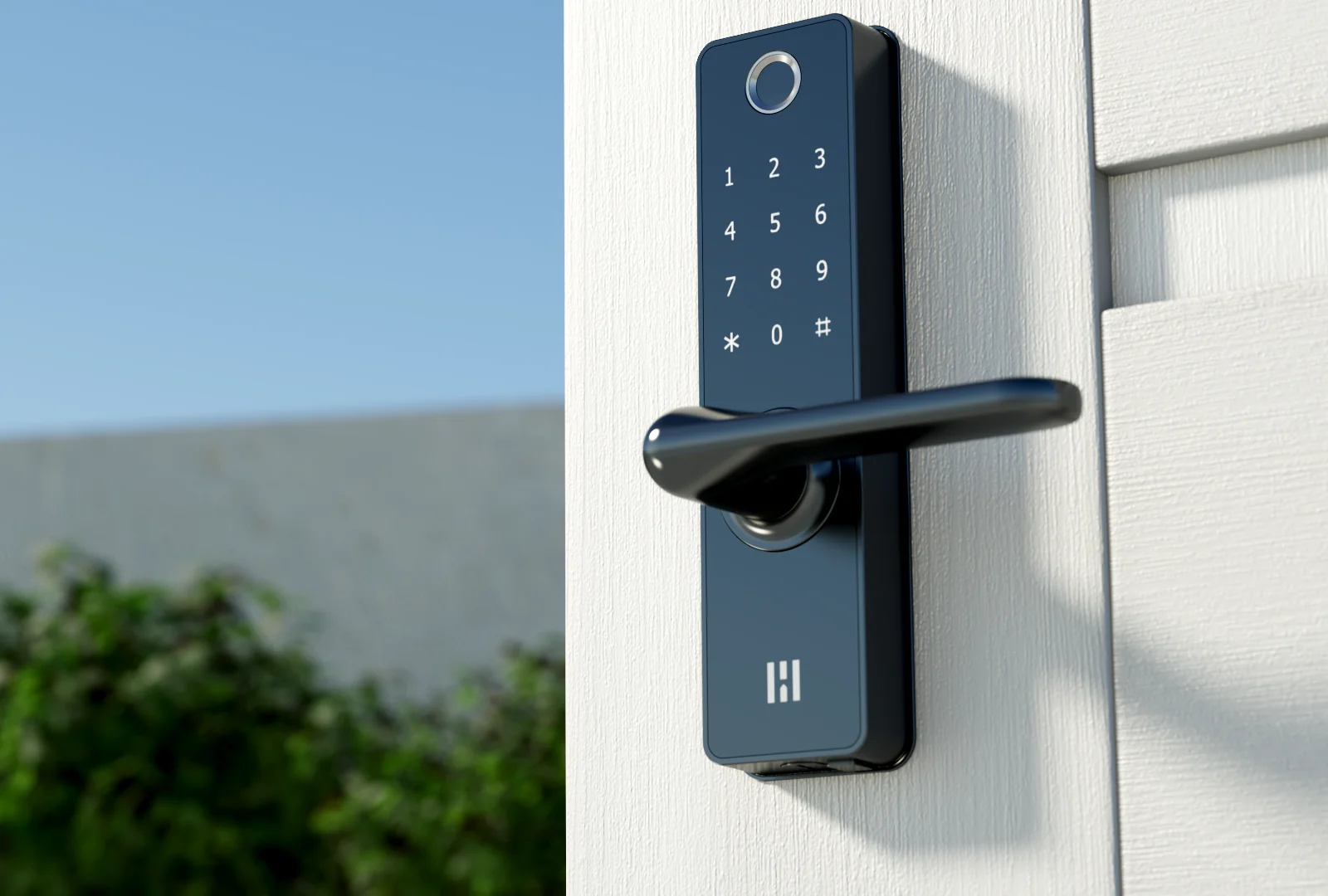
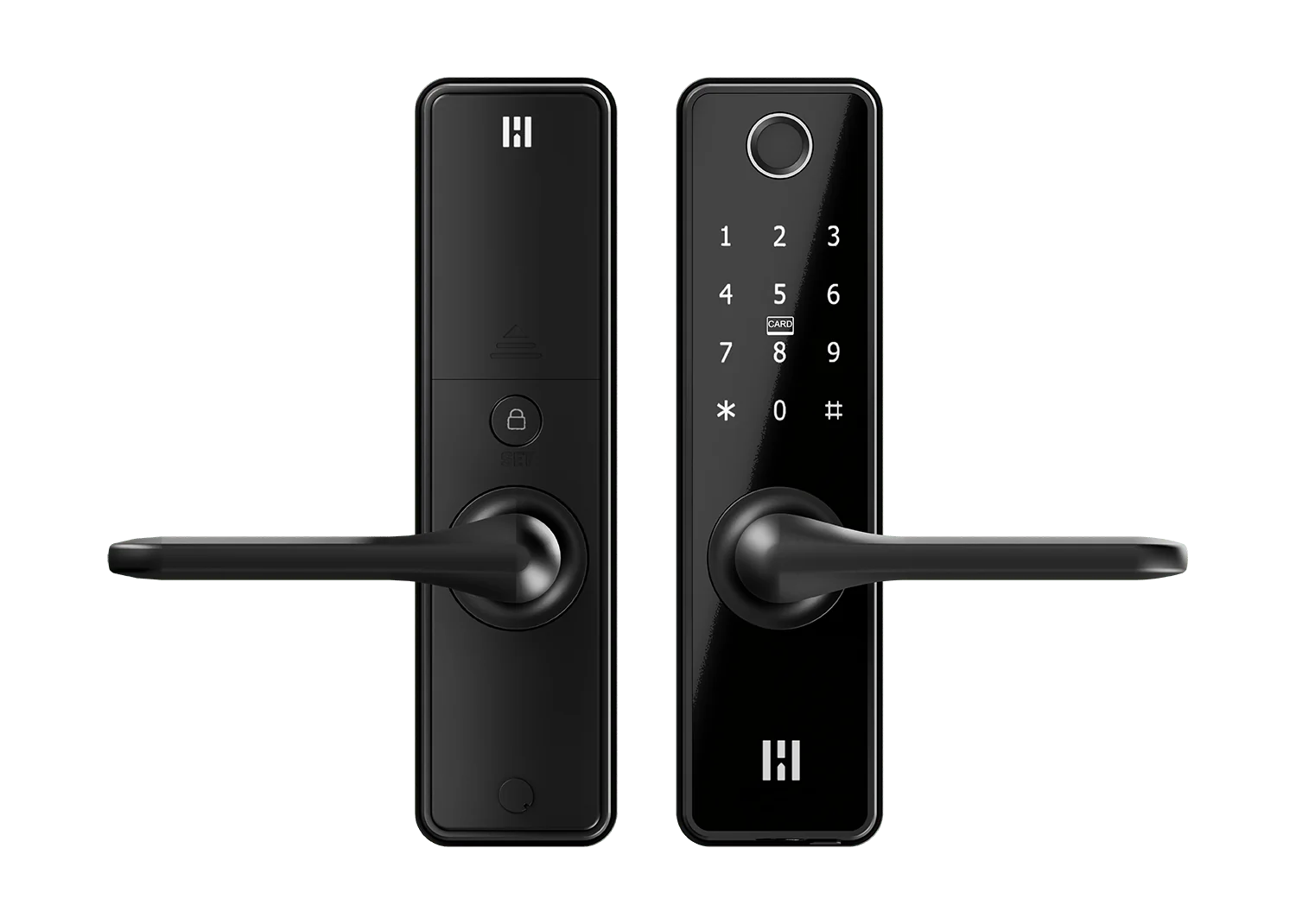
Fingerprint, PIN, RFID Key Tag, app control and mechanical key backup in one integrated Heimgard smart lock.
Complete access
One lock for the whole household.
Smart Lock Fingerprint is for homes that want every everyday access method available: touch, code, tag, app and key. It feels modern without making the door complicated.
Smart access for multipoint doors
Smart Lock Fingerprint works with compatible multipoint locks, allowing you to retain the existing mechanism. Check your door and mechanism before purchase.
Check your doorAccess methods
The fastest way in is the one that suits the moment.
Use fingerprint access when your hands are full, a PIN when someone is visiting, an RFID Key Tag when a phone is not needed, or the app when you want to manage the door.
Fingerprint
Personal access directly on the lock, designed for quick everyday entry.
PIN code
Create codes for family members, guests and planned visits.
RFID Key Tag
Tap a registered tag for simple access without unlocking a phone.
Heimgard app
No app or hub is needed for keypad setup or everyday use. Optional app control uses the legacy Heimgard Zigbee Smart app with a compatible Heimgard hub. Support for this lock in the new Heimgard Door app is under development, planned alongside the new HT-HUB-1 Hub in Q1 2027.
Physical backup key
Unlock with the supplied mechanical key, including when the batteries are flat. Keep a spare key somewhere safe and accessible outside the locked home.
Everyday features
More than a way to unlock.
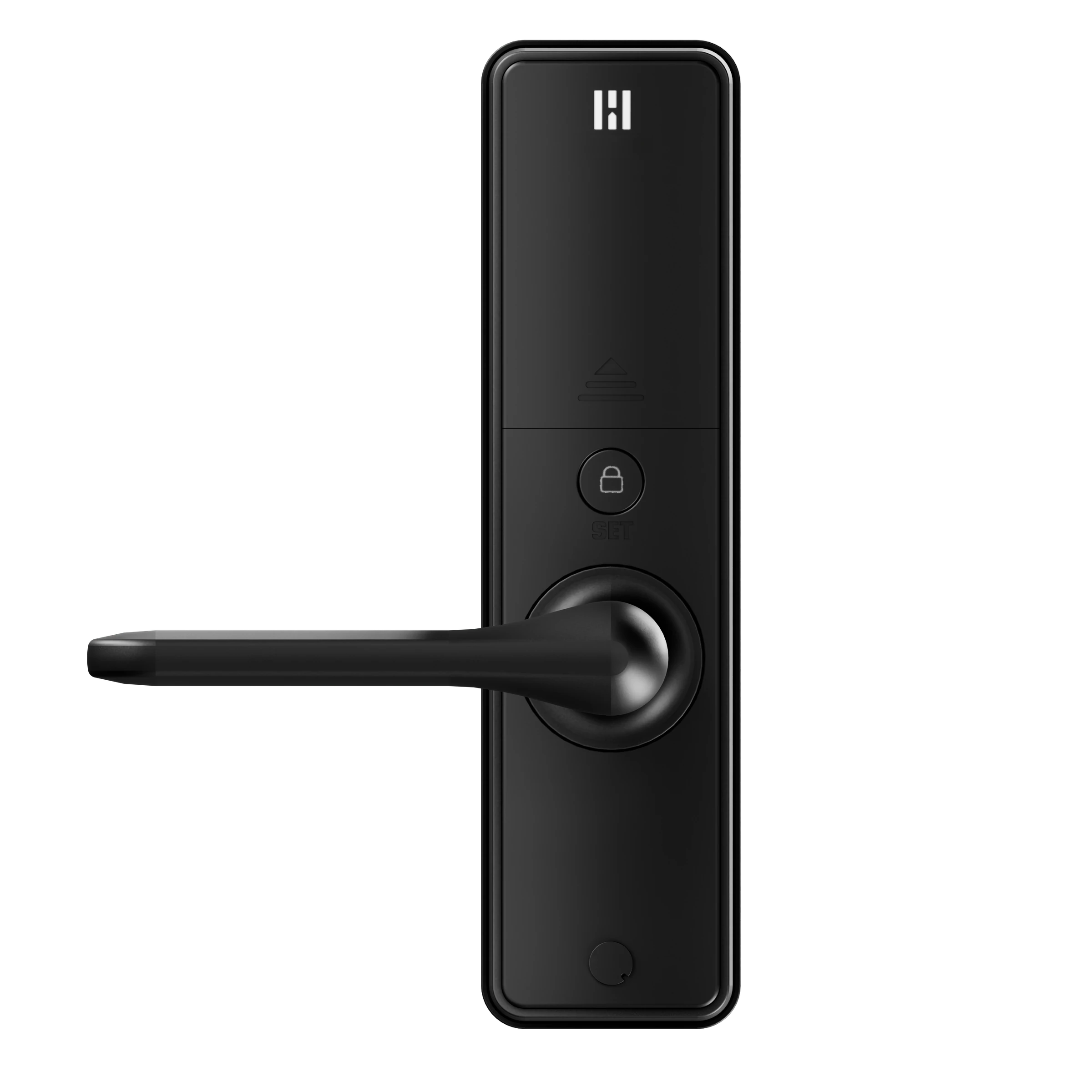
Manage Auto-Lock and PIN concealment using SET and the keypad. No app or hub needed.
Keep a compatible multipoint mechanism
For a compatible multipoint installation, retain the existing mechanism instead of fitting the supplied single-point lock case. Follow the installation instructions for your door.
Adjustable Auto-Lock
Choose the delay before the lock automatically relocks after unlocking.
Keep your PIN discreet
Add random digits before or after your correct PIN to make it harder for someone nearby to see your code. Keep the real PIN digits together, in order.
Room for coming and going
Pause Auto-Lock for 60 minutes when bringing things in or welcoming guests. Automatic locking resumes afterwards.
Handles that suit your door
Turn both the interior and exterior handles during installation to suit left- or right-hinged doors, opening inward or outward. Follow the manual for your door configuration.
USB-C emergency power
Flat batteries? You still have a way in.
Connect a portable power source to the exterior USB-C port, then unlock with your registered PIN, Key Tag or fingerprint. Replace the AA batteries once inside. USB-C supplies temporary power; it does not charge the batteries.
At home on your door.
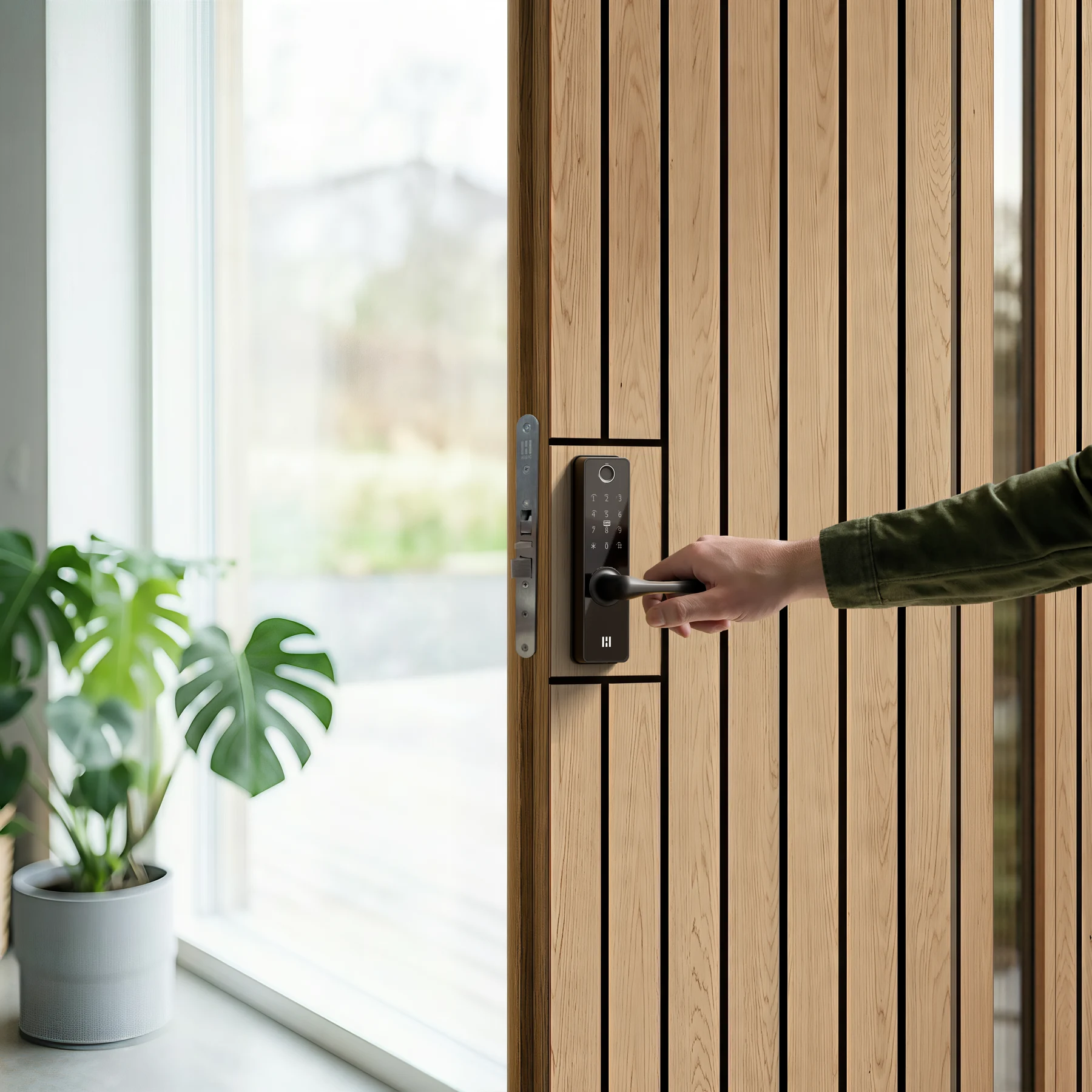
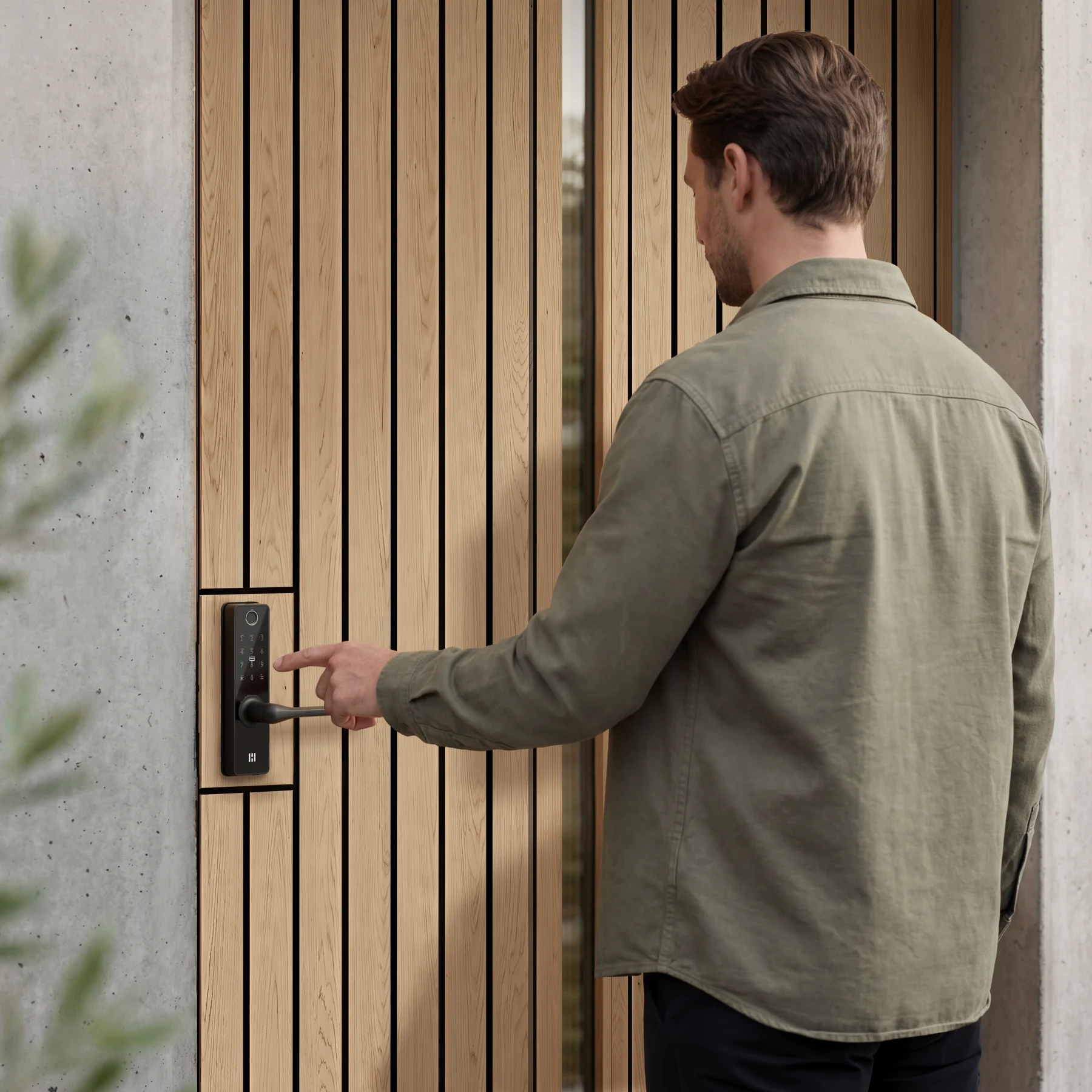
Design
Integrated hardware. Clean door expression.
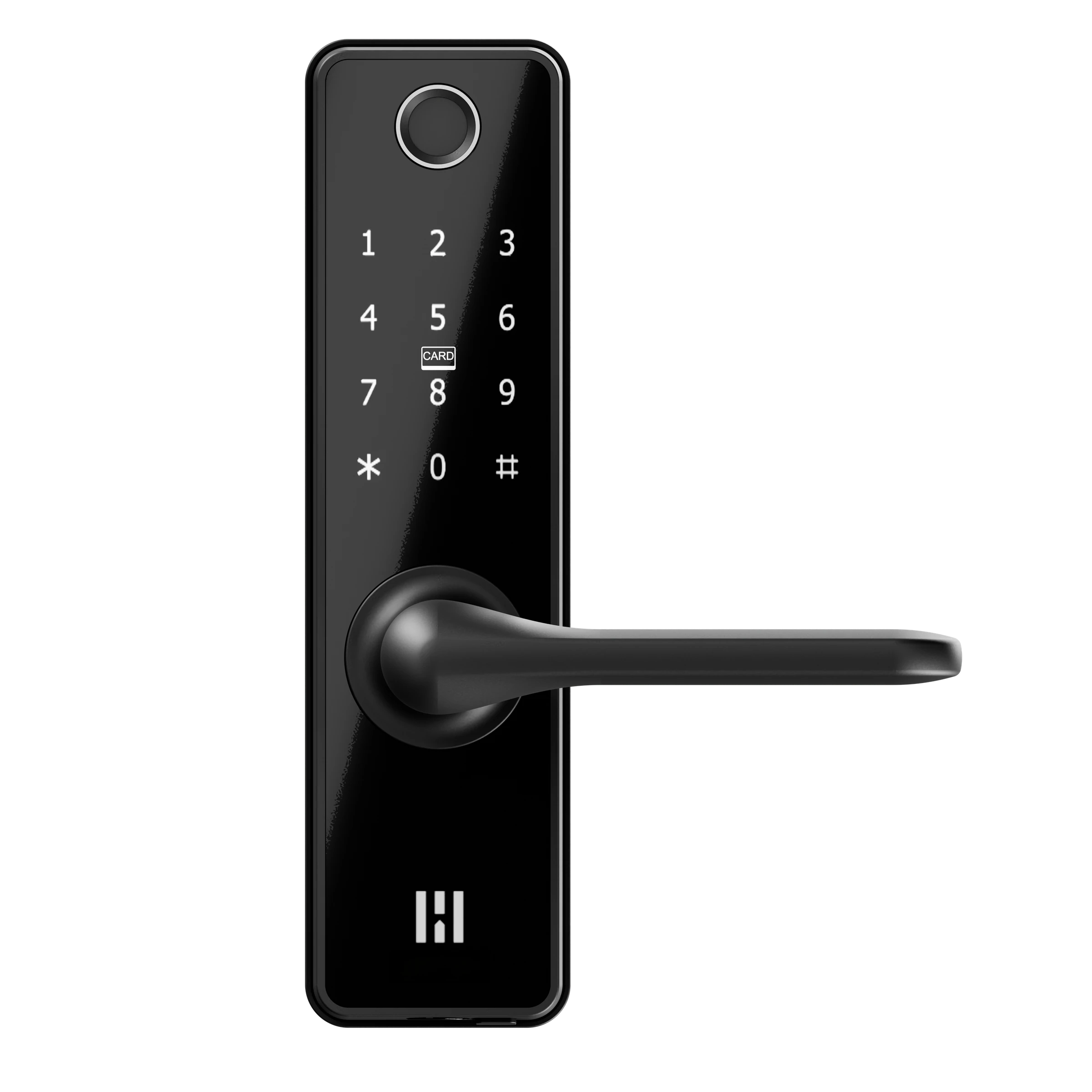
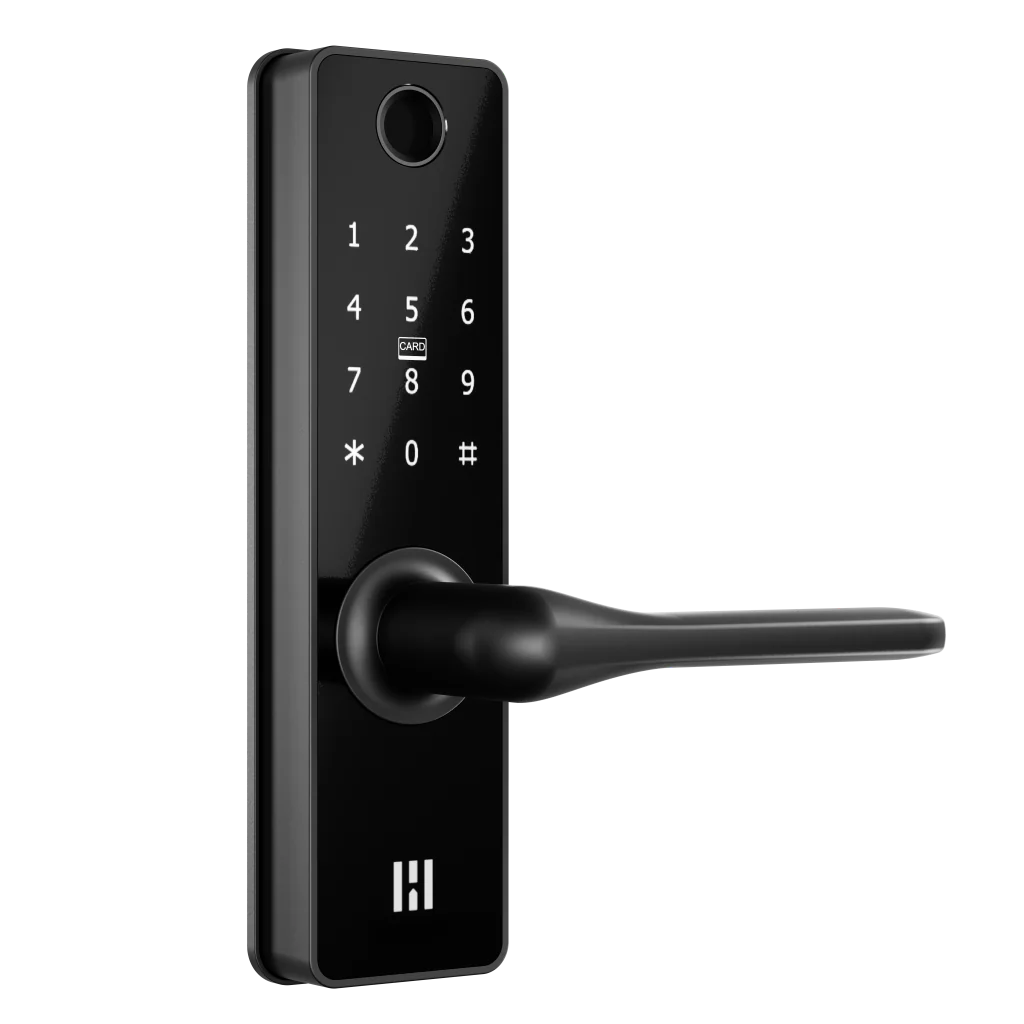
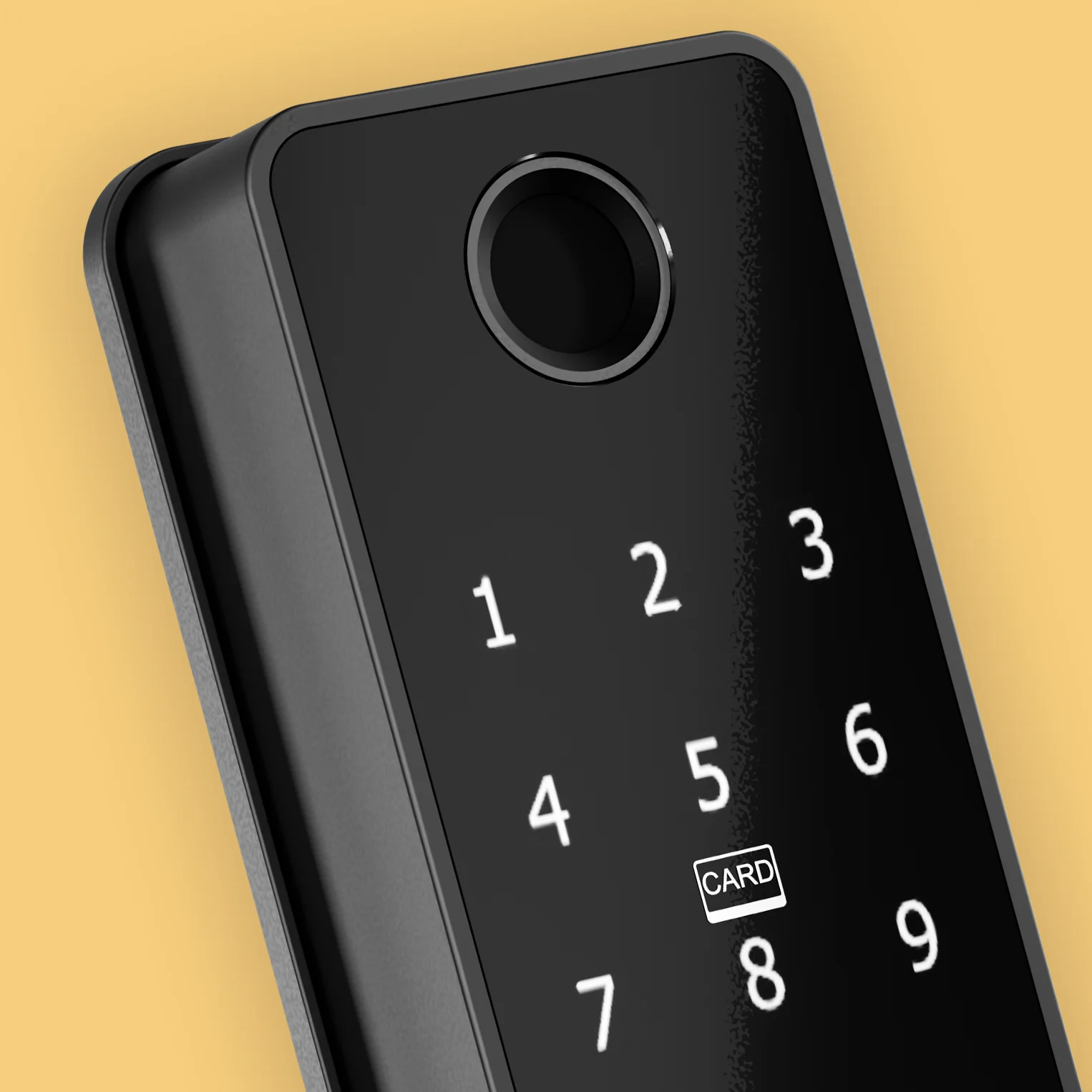
The lock, handle and keypad come together in an integrated design, with familiar mechanical key backup and a fingerprint sensor on the outside.
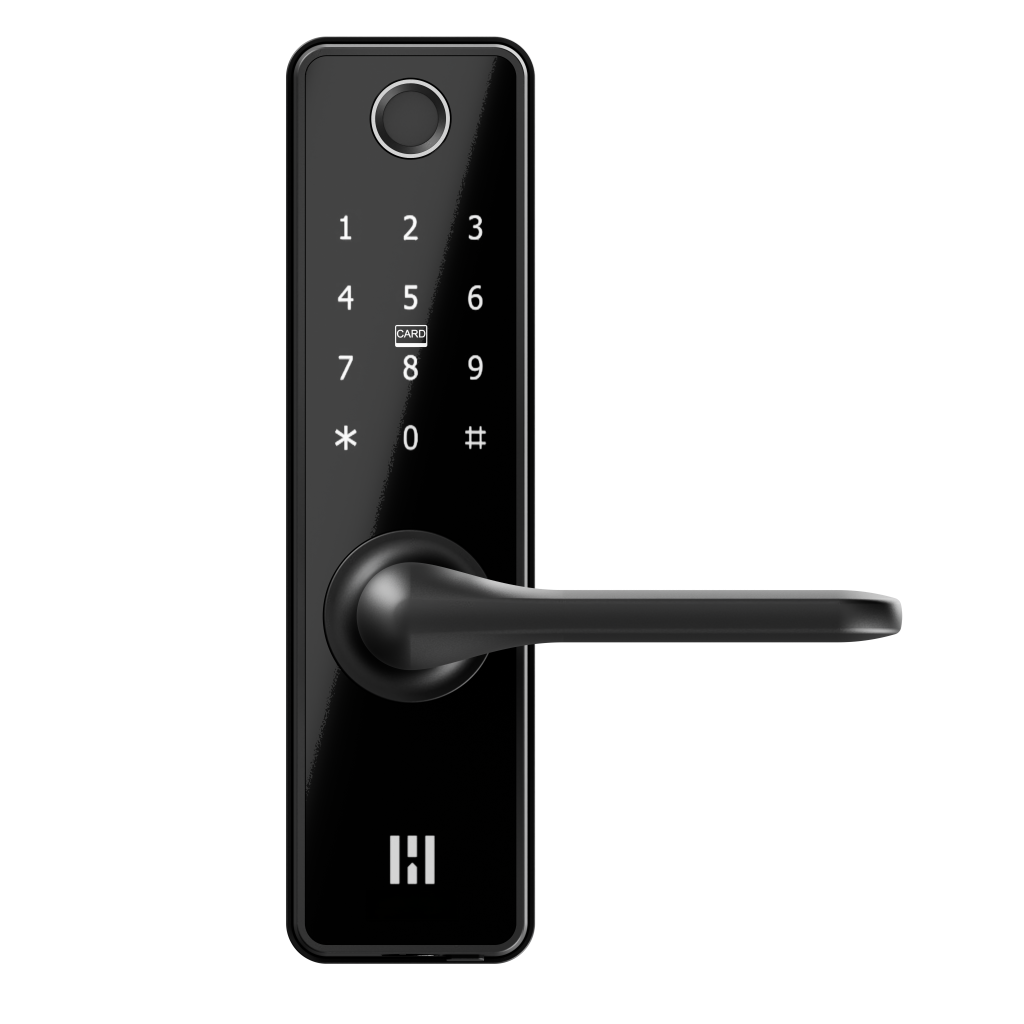
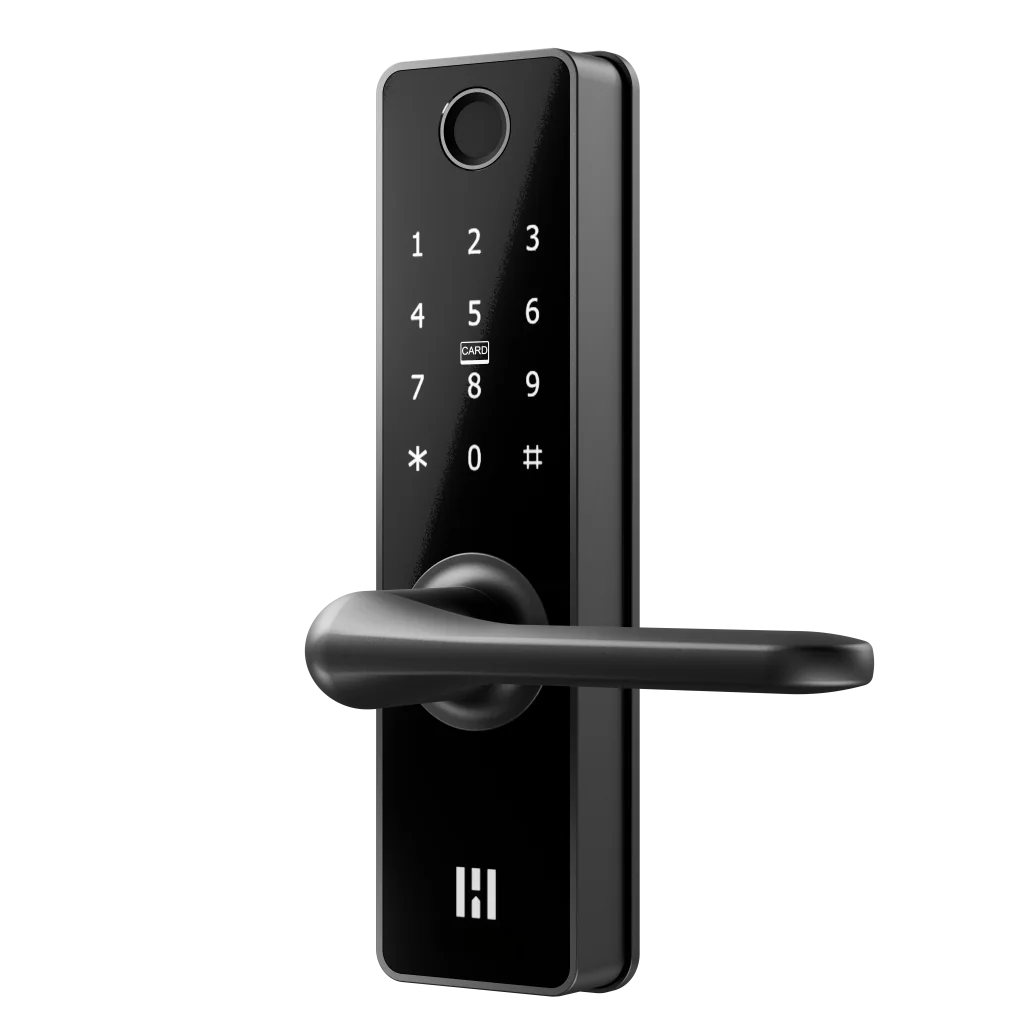
Compatibility
Built for Nordic doors, with a clear compatibility check.
Smart Lock Fingerprint is designed for compatible doors from 40-94 mm. For single-point doors, it can use the supplied lock case and strike plate. For compatible multipoint doors, it can retain the existing mechanism.
Before you buy, check:
- Door thickness from 40-94 mm
- Whether the door is single-point or multipoint
- Current lock case and strike plate
- Free movement without scraping or unusual force
- Any fire, escape-route or special door certification requirements
Heimgard Door App
Connected today. Ready for what comes next.
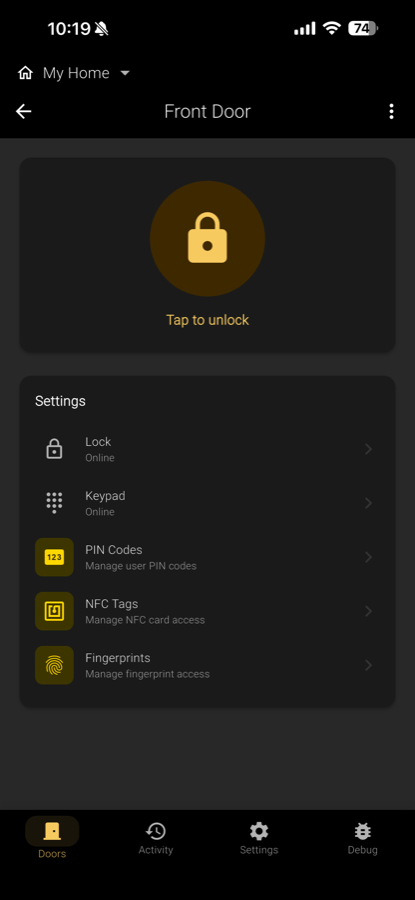
No app or hub is needed for keypad setup or everyday use. Optional app control uses the legacy Heimgard Zigbee Smart app with a compatible Heimgard hub. Support for this lock in the new Heimgard Door app is under development, planned alongside the new HT-HUB-1 Hub in Q1 2027.
Dimensions
Size up your door.
220 × 55 × 24 mm
Body depth excludes the handle. Check clearance for the complete handle and follow the installation template.
Door thickness: 40–94 mm
Designed for Scandinavian doors.
Entry Lock and Smart Lock are built around established Scandinavian door preparation, using SS 817375:2018 as their dimensional design basis. A familiar format for a smarter front door.
Door preparation & dimensions
This Swedish standard defines recess dimensions for symmetrical lock cases and their strike plates. Check the measurements and existing hardware, rather than the age of the door, to confirm the right installation path.
- Backset
- 50 mm
- Cylinder–handle centres
- 105 mm
- Lock-case faceplate (H × W)
- 225 × 22 mm
- Strike plate · door frame (H)
- 200 mm
Use the Heimgard installation template to check the complete preparation. These dimensions are a starting point, not a drilling template or confirmation of fit. The standard reference is not a security certification.
View the illustrated measuring guideSpecifications
The essentials, clearly stated.
Use these details as a quick overview before checking the manual or comparing against Easy Fit Smart Lock and Entry Lock.
Coming Q1 2027
Remote access with Heimgard Hub.
Hub and remote-access features are under development, with planned availability in Q1 2027. Once available, the Hub/Bridge is intended to connect compatible Heimgard locks to remote access in the Heimgard app. Final functionality may change before release.
Everything you need
Ready to fit. Right out of the box.
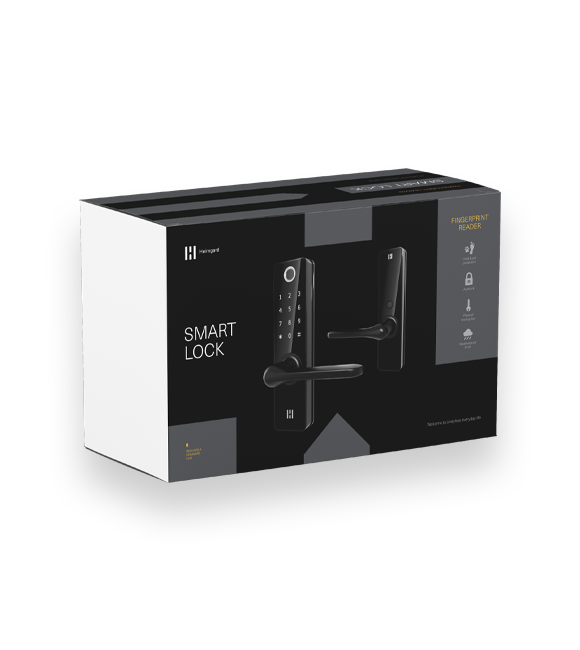
The lock units, installation hardware and everyday essentials are included. Check your door's compatibility and follow the Smart Lock Fingerprint manual before installation.
See complete box contents
- Interior and exterior lock units
- Mortise lock, strike plate and adapter
- 5 RFID Key Tags and 3 emergency keys
- 4 spindles and spindle release tool
- 3 AA batteries
- Insulation pad and mounting screws, with screwdriver
Installation
A clear path from fit to first use.
Check the door
Check thickness, lock case, strike plate and handing. For multipoint doors, confirm that the existing mechanism is compatible before starting.
Fit the hardware
Follow the manual with the door open. Measure the spindle and supplied screws, trimming only where instructed. Take time to align the units and adjust the door or strike plate if needed.
Set up and test
Add your access methods and test the lock, handle and emergency key before closing the door.
Watch the installation series.
The videos show Smart Lock. Entry Lock uses the same installation components and steps, although the box contents differ. Follow the manual for your model and door configuration.
Questions
Before you choose.
Can I set up and use the lock without an app or hub?
Yes. Use the keypad and Master PIN to configure the lock, manage PIN codes, RFID tags and fingerprints and adjust settings such as automatic locking. Follow the keypad menu instructions in your product manual. You do not need to wait for the new Heimgard Door app or Hub to set up and use your lock.
Does it work on a multipoint door?
Yes, it can retain a compatible existing multipoint mechanism. Check the complete mechanism first, then follow the installation guide. Allow extra time for fitting and alignment; an installer can help with adjustments you are not comfortable making.
Can I use a key as backup?
Yes. Mechanical emergency keys are included. Keep a key accessible outside the locked home.
What happens if the batteries run out?
Use the mechanical emergency key or temporary USB-C power as described in the manual. USB-C does not charge the AA batteries.
Do I need a hub for app control?
No app or hub is needed for keypad setup or everyday use. Optional app control uses the legacy Heimgard Zigbee Smart app with a compatible Heimgard hub. Support for this lock in the new Heimgard Door app is under development, planned alongside the new HT-HUB-1 Hub in Q1 2027.
From everyday use.
Simple and easy to use.Samer Y., Smart Lock customer review at BAUHAUS Sweden. Translated from Swedish.
Read the original Swedish
Smidig enkel att hantera.
Customer ratings at Elkjøp
4.6 out of 5 from 11 reviews for Smart Lock Fingerprint Black.
As displayed by Elkjøp on 6 September 2026. Ratings and review counts may change.
Read customer reviews at Elkjøp →Security
Secure access, designed into the product.
Heimgard lock firmware is developed in Norway. Security depends on the complete door, correct installation and responsible credential management.
Master PIN control
The Master PIN protects administrative settings and the registration of fingerprints, PINs and RFID tags.
PIN concealment
Enter additional digits around the correct PIN to make the code harder to observe.
Resilient ways in
Local credentials work without internet; mechanical key and temporary USB-C power provide emergency access paths.
Video guide
Installation videos
Follow the installation and setup sequence for your product before testing the lock on a closed door.
Manuals & downloads
Smart Lock Fingerprint user manual
Installation, setup, everyday use and troubleshooting for your Smart Lock Fingerprint.